Work management for organisations
Tasks, chat and meetings — in one place for your whole team.
TaskFlow 365 keeps the work, the conversation about it and the calls that move it forward together, on the web and on your phone.

See it in action
A short tour of TaskFlow 365.
NEWNow on Android · iPhone coming soon
Your team's whole workday, in your pocket.
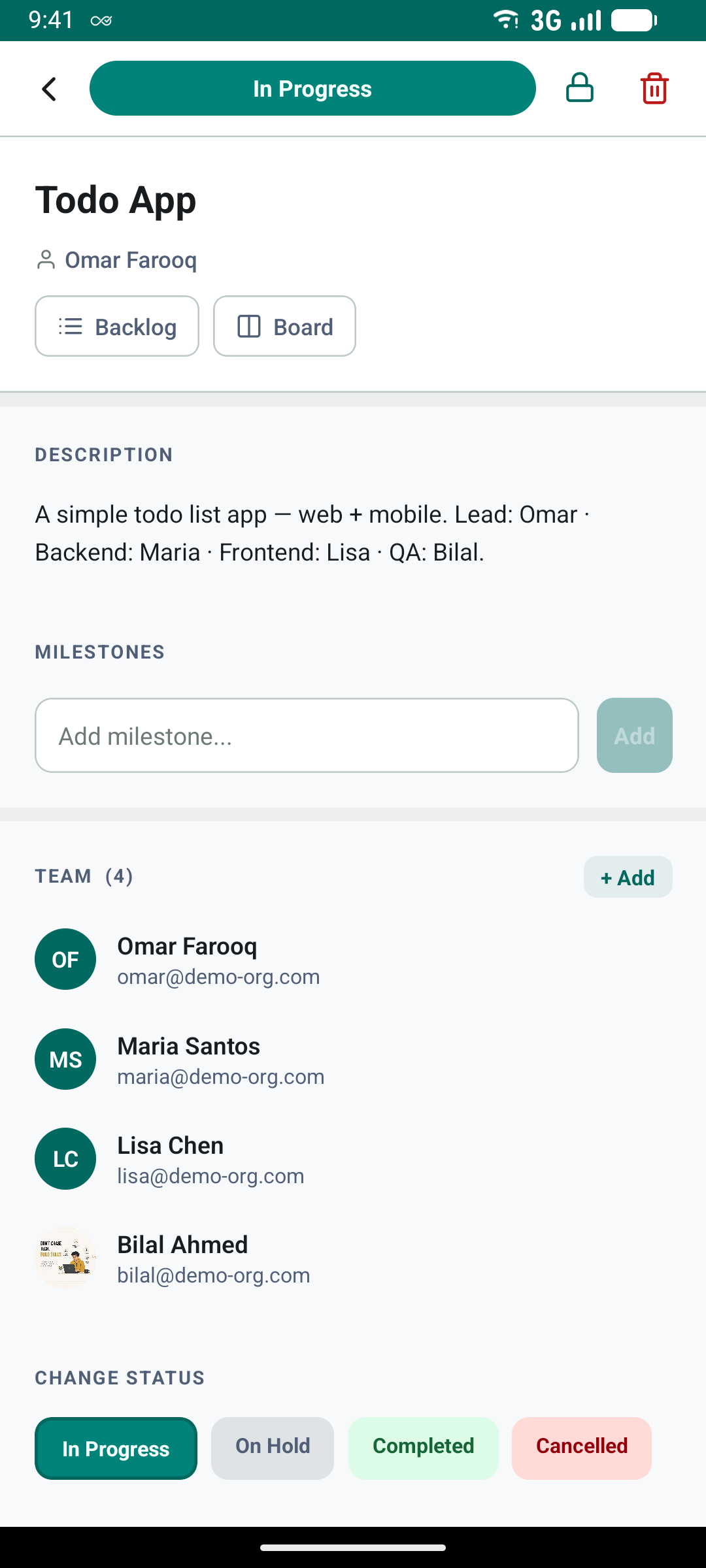
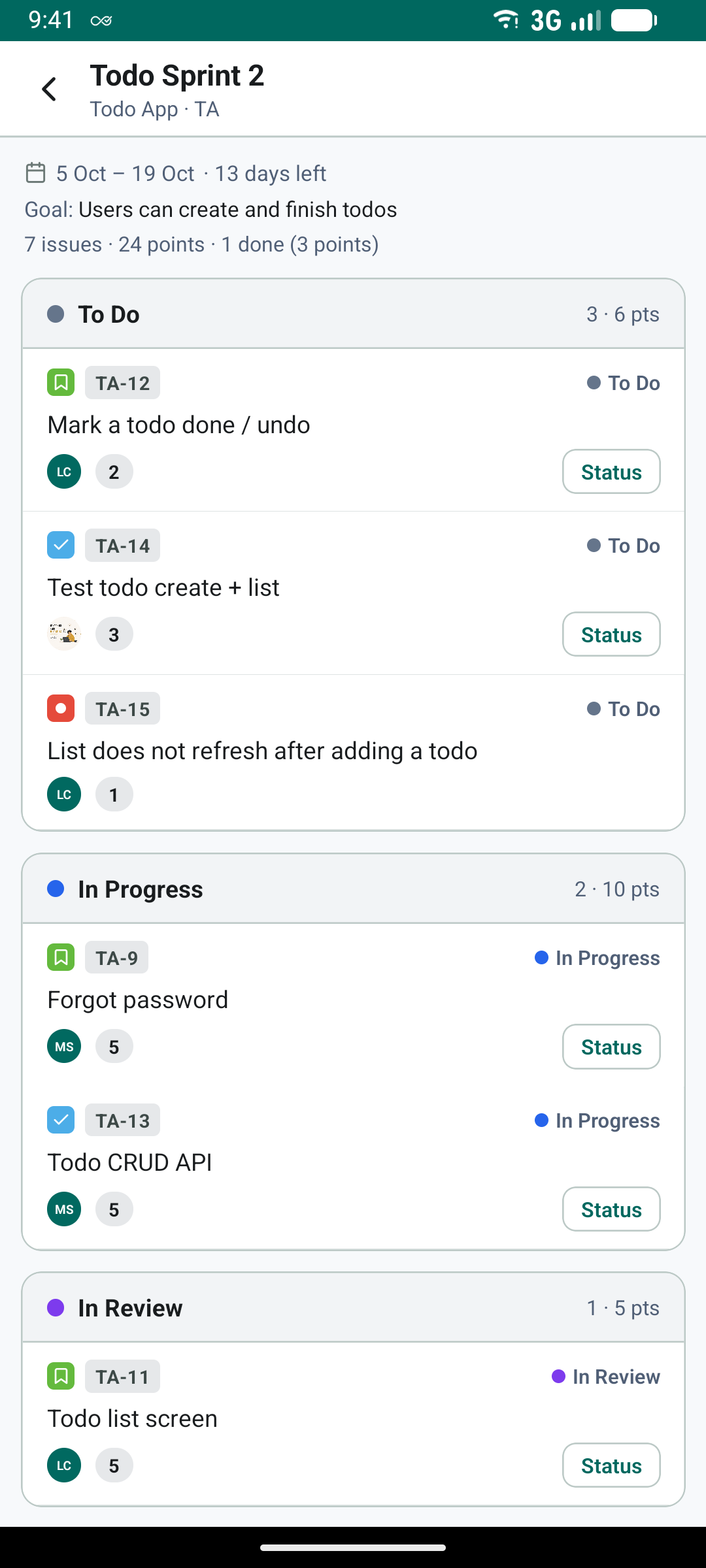
Move an issue across the board, reply to a voice note and jump on a call — from your phone, with the same projects and boards as the web.
- Sprints, backlog and boards
- Issue keys and custom workflows
- Team chat, voice notes and calls
- Your daily todos and planning sheet
What it does
Everything a team uses in a working day, built to work together rather than bolted on.
Tasks and projects
Assign work, break it into subtasks, set due dates and reminders, and follow every project from one board.
Daily todos
A planning sheet for every day: set your goals, carry over what is still open, and turn any todo into a task.
Issue types and keys
Epics, stories, tasks and bugs, each with its own key like TF-42, and progress you can see on every epic.
Workflows and boards
Give a project its own statuses and move work across a Kanban board that updates live for the team.
Sprints and backlog
Plan sprints from a ranked backlog, estimate with story points, and run them on a Scrum board.
Team chat
Direct messages, group threads and a chat on every task, with files, voice notes, reactions and polls.
Calls and meetings
Start an audio or video call from any conversation, or schedule a meeting with an agenda and notes.
Calendar in step
Connect Microsoft 365 or Google, and meetings and task reminders appear in the calendar people already use.
Time tracking
Start a timer on a task or log time by hand, and see where the hours actually went in reports.
Secret wallet
Keep shared credentials encrypted, grant them to exactly the people who need them, and see every access.
App distribution
Upload Android and iOS test builds, choose who can take each one, and see every download.
Roles and control
Owners, admins, members and guests, Microsoft single sign-on, and an audit trail for what matters.
Who it is for
Organisations
One workspace per company, with its own people, departments and settings — separate from every other.
Teams that ship
Engineering, operations and project teams who need work, conversation and meetings in the same place.
Anywhere
The same workspace on the web and in the Android and iOS apps, with calls that reach you on your phone.
Ready when your team is.
Sign in to your organisation's workspace.